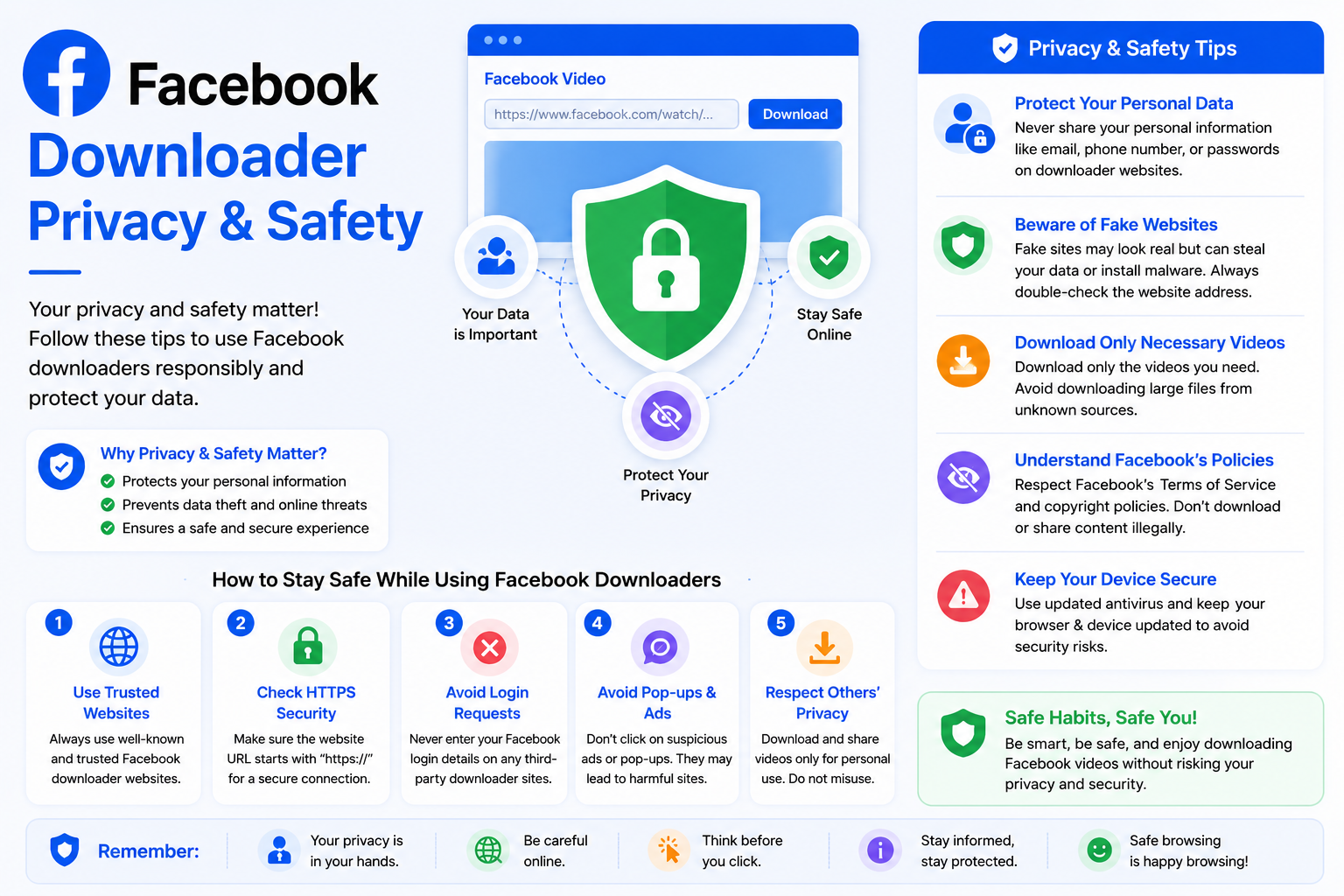
Facebook Downloader Privacy & Safety
Whenever you use an online tool to download videos, it's natural to wonder whether your personal information is protected. Questions about privacy, account security, and safe browsing are common, especially when downloading content from social media platforms. At Clipyfi, protecting your privacy and providing a secure experience are important priorities.
This guide explains how Clipyfi works, what information is required to process publicly available Facebook videos, and how you can use the downloader safely and responsibly.
Clipyfi does not require your Facebook username, password, or account login to download publicly available Facebook videos.
How Clipyfi Works
Clipyfi is a browser-based downloader. Instead of asking you to install software or connect your Facebook account, the downloader simply processes the public Facebook video URL that you provide.
Because everything happens through your web browser, there is no need to install browser extensions, desktop software, or mobile applications.
Information You Need to Provide
To download a public Facebook video, Clipyfi only requires the publicly accessible video link. No additional account information is necessary.
- Public Facebook video URL.
- Modern web browser.
- Internet connection.
You never need to provide your Facebook password or grant Clipyfi access to your Facebook account.
Why Public Videos Only?
Facebook protects private content using its own privacy settings. Clipyfi respects these privacy controls and only processes videos that are publicly accessible.
Videos shared only with friends, private groups, or restricted audiences cannot be downloaded because they are not publicly available.
Never enter your Facebook username or password into websites that claim they need your login credentials to download videos.
Secure Browser Experience
Clipyfi is designed to work directly through your web browser using secure HTTPS connections. This helps protect communication between your device and the website while processing your request.
Benefits of Using Clipyfi
- No Facebook login required.
- No password required.
- No software installation.
- No browser extensions.
- Works on desktop and mobile devices.
- Simple and easy-to-use interface.
- Supports publicly available Facebook videos.
Responsible Use
Clipyfi is intended to help users access publicly available Facebook videos for lawful and personal use. Always respect copyright laws, creator rights, and Facebook's terms when downloading or using online content.
Before sharing, editing, or republishing downloaded material, ensure that you have the necessary permission from the original content owner.
Common Safety Questions
Does Clipyfi require my Facebook password?
No. Clipyfi never asks for your Facebook password or account credentials.
Do I need to install software?
No. Everything works directly in your browser without additional software or browser extensions.
Can Clipyfi access private Facebook videos?
No. Clipyfi only works with videos that are publicly accessible on Facebook.
Is my Facebook account connected to Clipyfi?
No. Clipyfi does not require you to connect or authorize your Facebook account.
Always verify that you are visiting the official Clipyfi website before downloading content, and avoid sharing your login credentials with any third-party service.
Frequently Asked Questions
Is Clipyfi safe to use?
Yes. Clipyfi is designed to process publicly available Facebook video links without requiring your Facebook account credentials.
Does Clipyfi store my Facebook password?
No. Because Clipyfi never asks for your Facebook password, there is no password to store.
Can I use Clipyfi on Android and iPhone?
Yes. Clipyfi works on Android phones, iPhones, tablets, laptops, Windows PCs, Mac computers, and other modern devices using a supported browser.
Does Clipyfi work with private videos?
No. Private videos are protected by Facebook's privacy settings and cannot be processed.
Why do some videos fail to download?
Common reasons include private videos, deleted content, incorrect URLs, or temporary network issues. Our troubleshooting guides explain these situations in more detail.
Do I need to create a Clipyfi account?
No. Public Facebook videos can be downloaded without creating an account.
Can I use Clipyfi for free?
Yes. Clipyfi allows users to process publicly available Facebook video links without registration.
Where can I learn more?
Browse the Clipyfi Help Center for additional tutorials, troubleshooting guides, and answers to frequently asked questions about YouTube, Instagram, Facebook, and other supported platforms.
Best Practices for Safe Downloading
- Use only the official Clipyfi website.
- Never share your Facebook password.
- Download only publicly available content.
- Respect copyright and creator ownership.
- Keep your web browser updated.
- Use secure internet connections whenever possible.
Conclusion
Clipyfi is designed to provide a simple, secure, and privacy-conscious way to download publicly available Facebook videos. Because no Facebook login is required, you can process supported video links directly through your browser while maintaining control of your personal account credentials.
Whether you're saving educational content, tutorials, public events, or other publicly shared videos, following the recommendations in this guide will help you use Clipyfi safely and responsibly.
Continue browsing the Clipyfi Help Center for step-by-step tutorials, troubleshooting guides, privacy information, and answers to common questions across YouTube, Instagram, Facebook, and other supported platforms.